How to Post EOBs in Eaglesoft: Manual Steps, Common Mistakes, and Automation Options (June 2026)
Learn how to post EOBs in Eaglesoft with manual steps, fix adjustment mistakes, and explore ERA and AI automation options. Updated June 2026.
Max Shore - June 29, 2026
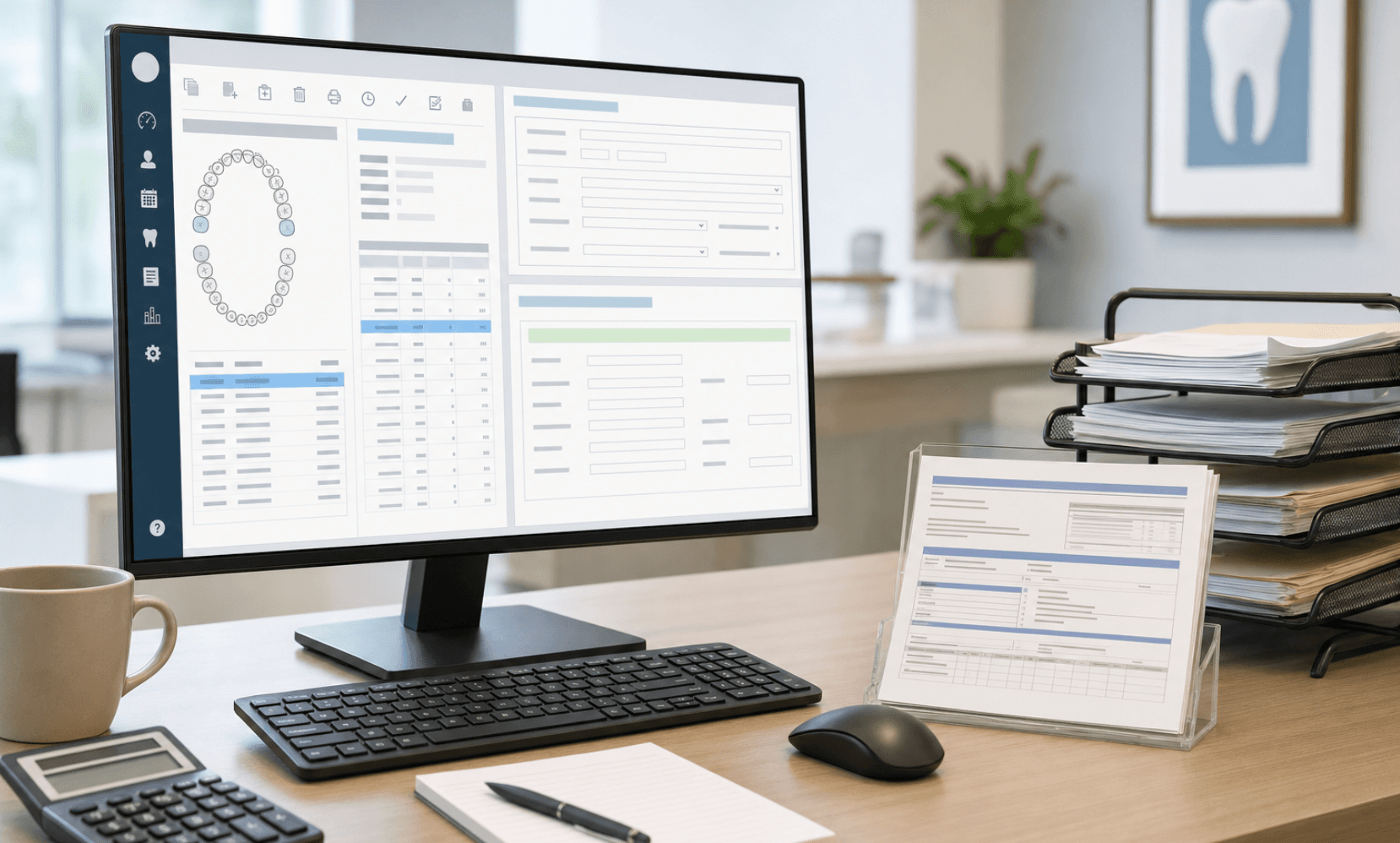
Your insurance check clears the bank on Wednesday, but the claim still shows outstanding in Eaglesoft on Friday because nobody has posted the EOB yet. The patient calls asking about their balance, you pull the ledger, and the numbers do not reflect what the carrier actually paid. This is the daily reality of dental EOB posting in Eaglesoft when the workflow lags behind the deposits. We're going to show you the exact manual steps that close claims correctly, the adjustment mistakes that distort your production reports, and which automation options handle the posting work without requiring you to trust a black box.
TLDR:
- Eaglesoft EOB posting requires line-by-line entry of allowed amounts, payments, and write-offs for each claim, with incorrect adjustments breaking production reports and AR aging.
- ERAs auto-fill payment data but require payer-by-payer enrollment through clearinghouses like DentalXChange, taking several weeks or more per carrier to activate, depending on the payer.
- Posting delays stall patient statements and secondary claims, masking real AR and creating embezzlement risk; post within 24 hours of receipt.
- Mismatched distributions and wrong adjustment codes are the most common errors; reopen the claim and redistribute to fix before the day sheet closes.
- AI posting tools handle paper checks and payer portals that ERA cannot reach; Lassie retrieves, reads, and posts EOBs into Eaglesoft with built-in bank reconciliation.
Understanding EOB Posting in Eaglesoft
An EOB posting in Eaglesoft records what an insurance carrier paid (or denied) for the claims your practice submitted. Your team opens Eaglesoft, finds the matching claim, and enters the allowed amount, paid amount, write-offs, and patient responsibility line by line. Once posted, the ledger reflects the true balance, and the claim is removed from the outstanding insurance bucket.
A few things make Eaglesoft posting specific:
- Payments can be entered as bulk insurance checks tied to multiple patients, or as individual claim payments on a single ledger.
- Adjustments must be coded correctly (PPO write-off, courtesy, downgrade) to keep production reports clean.
- Secondary claims often need to be generated immediately after the primary posts, which depend on an accurate primary entry.
Get posting right, and the rest of the revenue cycle behaves. Get it wrong, and errors compound through statements, collections, and end-of-month reports.
Manual EOB Posting: Step-by-Step Process for Individual Claims
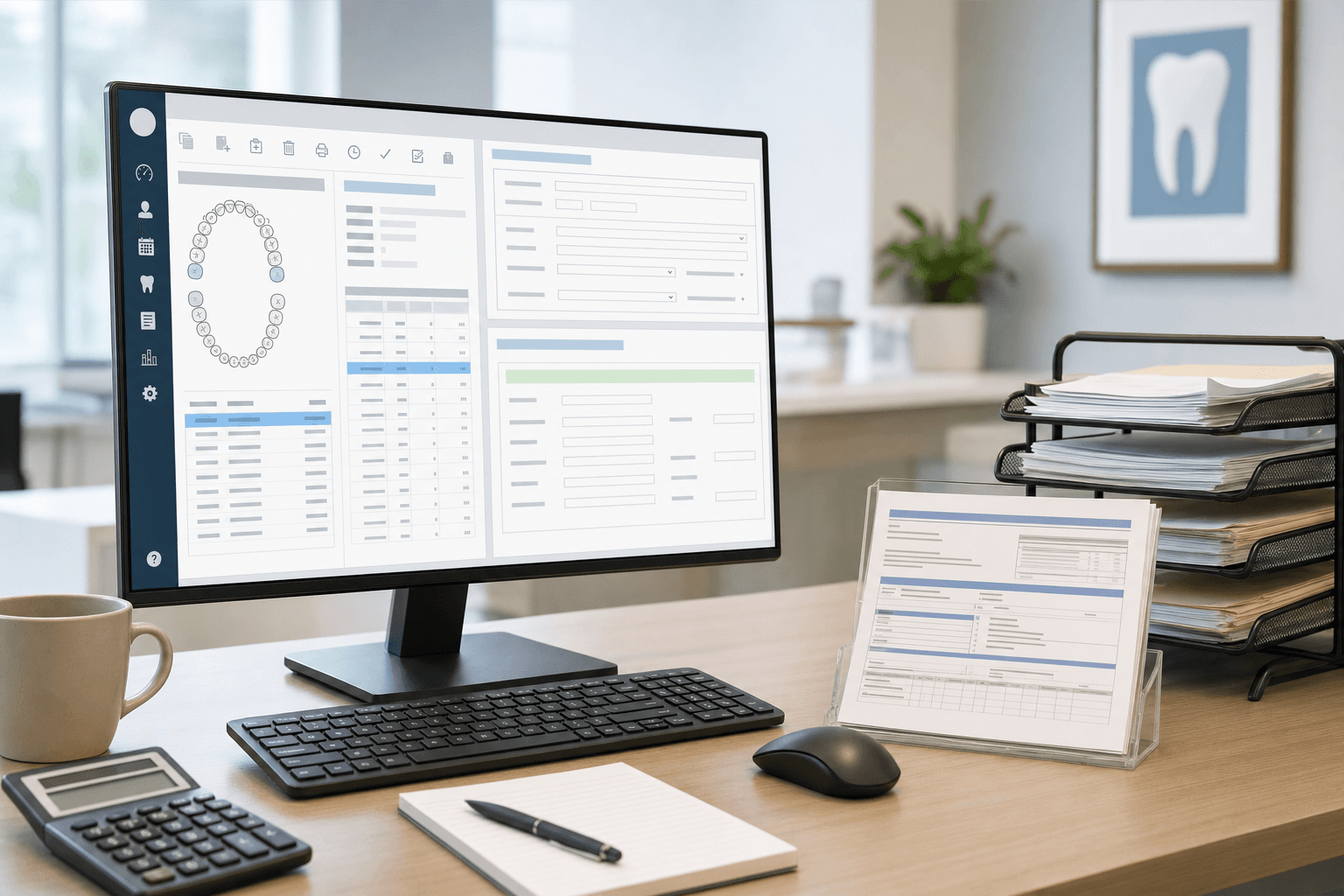
Open Eaglesoft and head to Activities > Receive Insurance Payment. The workflow runs in a predictable order:
- Select the responsible party, then pick the claim from the outstanding list. Verify date of service and provider.
- Enter the check or EFT number, payment date, and total in the header fields.
- Work line by line through each procedure code, inputting allowed amount, paid amount, and adjustments (PPO write-off, downgrade, deductible).
- Verify line totals against the check total. Eaglesoft warns you on mismatches.
- Mark the claim Final or Partial based on adjudication status.
- In the closing window, route remaining balances to the patient, write-off, or secondary insurance.
Pre-21 builds split a few fields across tabs, so confirm your version before training staff on screenshots.
Bulk Insurance Payment Posting in Eaglesoft
When one check covers ten or twenty patients, individual posting wastes hours. Eaglesoft's bulk path, under Activities > Receive Bulk Insurance Payment, groups the work into a single transaction.
The flow:
- Pick the carrier or payment group, then enter the check or EFT number, deposit date, and total amount.
- Eaglesoft surfaces outstanding claims for that payer. Select each claim on the EOB.
- Distribute payment across claims, then drill into each to post line-level allowed amounts, write-offs, and patient portions.
- The running balance at the bottom must hit zero before Eaglesoft closes out.
- Confirm service-level distributions before finalizing, since corrections require unposting the entire batch.
Bulk payments land on the day sheet as a single deposit line tied to the payer, which keeps bank reconciliation cleaner than scattered claim payments. For step-by-step screenshots, Patterson's bulk payment article walks through each field.
Electronic Remittance Advice (ERA) and Automated Posting
An ERA is the digital twin of a paper EOB: a HIPAA 835 file the payer sends once a claim is adjudicated. Inside Eaglesoft, ERAs flow through eServices into the Electronic EOB window.
The posting flow:
- Open eServices > Electronic EOBs and pull the queue from your clearinghouse.
- Select an ERA. Eaglesoft prefills the Bulk Insurance Payment window with check number, deposit total, and line-level breakdowns.
- Review auto-matched claims. Claims that did not match drop to an exceptions list for manual linking.
- Confirm adjustments and post the batch.
Enrollment runs payer by payer through DentalXChange, Change Healthcare, or Vyne, so most offices run hybrid workflows for months.
Common Posting Errors and How to Fix Them
Even seasoned posters hit the same handful of errors in Eaglesoft. Most are fixable in minutes if you know where to click.
| Error | Cause | Fix |
| Mismatched distribution | Line totals do not equal the check amount | Reopen the claim, recalculate write-offs per code, and redistribute until the balance hits zero |
| Insurance overpayment | Payer paid above the contracted fee | Post the full amount, then create a credit adjustment or refund the carrier |
| Underpayment | Downgrade or denial not flagged | Mark the claim Partial, route the unpaid line to appeals, and keep the claim open |
| Claim closed in error | Marked Final before secondary processing | Use Edit Closed Insurance Claim to reopen, finalize after secondary posts |
| Unassigned credit | Payment posted without claim linkage | Open the transaction, attach the correct claim, and reapply the credit |
For wrong-provider posts after the day sheet closes, run a backdoor redistribution: enter an offsetting adjustment under the incorrect provider, then repost under the correct one with a matching reference note.
Handling Adjustments, Write-Offs, and Coordination of Benefits
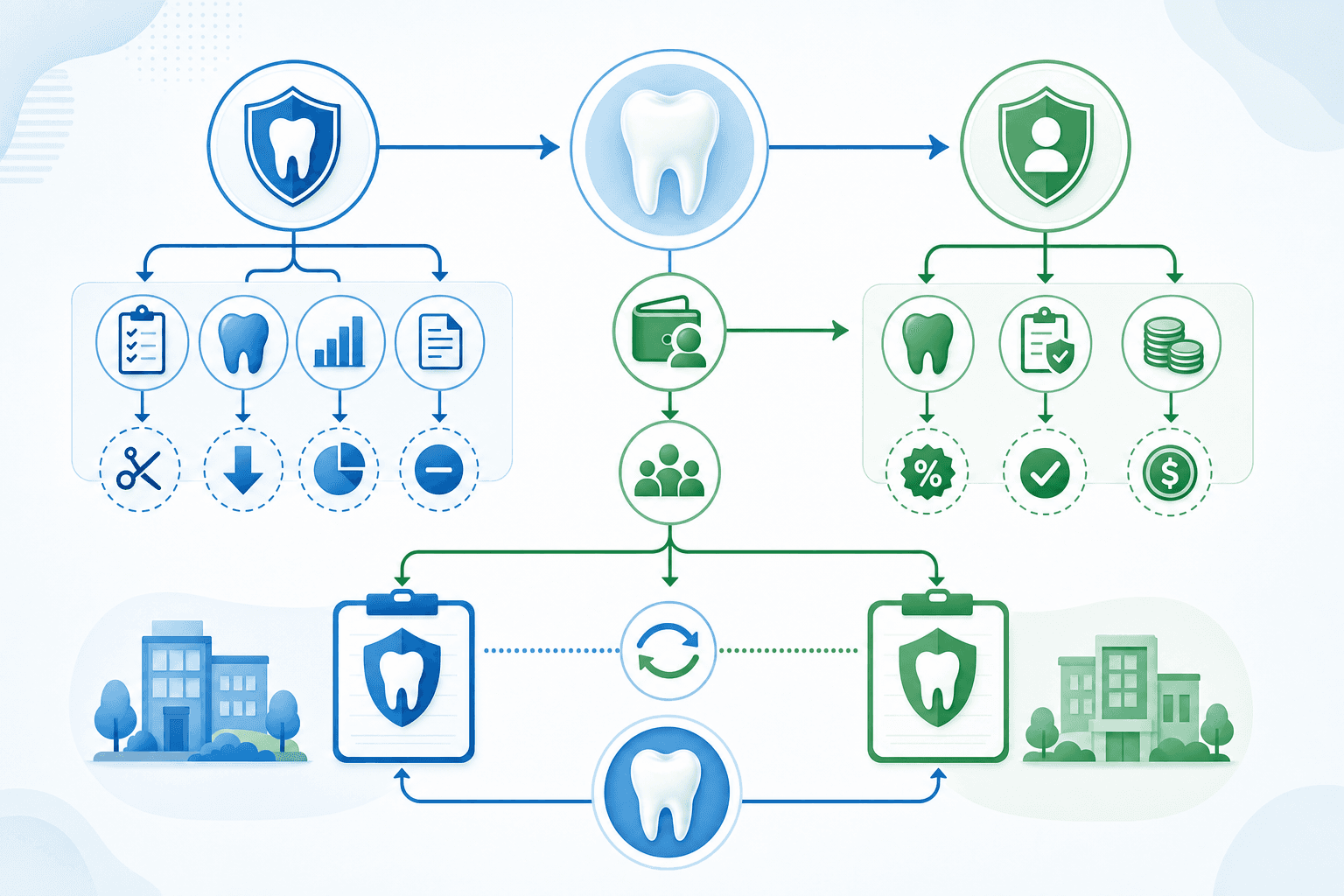
Adjustments are where revenue quietly leaks. Eaglesoft separates contractual write-offs from courtesy discounts and bad debt, and the type you pick flows into production reports differently. Pick wrong, and your collection ratio lies to you.
A few rules that save headaches:
- Use the dedicated PPO write-off adjustment for contractual differences between the billed fee and the allowed amount. Courtesy and senior discounts belong in their own buckets.
- Deductible and coinsurance amounts are moved to patient responsibility, never written off. Posting them as adjustments erases collectible revenue.
- When primary writes off the contractual difference, do not repeat it on the secondary EOB. Route only the remaining patient portion based on the carrier's COB method (standard, non-duplication, or carve-out).
- Update the Coverage Book whenever a payer's allowed amounts drift from your stored fee schedule, so Eaglesoft pre-calculates write-offs at claim creation.
The ADA's EOB statement reference helps when a remark code does not match the adjustment category you expected.
Setting Up EFT and ERA Enrollment for Eaglesoft
- Payer enrollment for ERA. Submit an 835 ERA agreement with each carrier through your clearinghouse portal (DentalXChange, Change Healthcare, or Vyne). Delta variants, BCBS, and most Medicaid programs require separate forms with a TIN, an NPI, and a provider signature.
- EFT enrollment. File a separate EFT authorization per payer. Some carriers (Aetna, Cigna) bundle EFT and ERA; others route through CAQH EnrollHub.
- Eaglesoft eServices setup. Open File > Preferences > eServices, connect clearinghouse credentials, and toggle Electronic EOBs on after carrier activation, which can take several weeks or more, depending on the payer.
- Cost. Patterson bundles ERA into eServices subscriptions, with per-transaction claim and attachment fees.
Track activation status per payer in a spreadsheet, since partial enrollment is the default for months.
Why Timely EOB Posting Matters for Cash Flow
Posting lag is the quietest cash flow killer in a dental practice. EFTs land on Tuesday, sit unposted until the following Monday, and for six days, the ledger shows a phantom AR balance nobody is chasing.
Downstream effects worth naming:
- Patient statements stall. You cannot bill the patient portion until the primary EOB posts, so every day of lag adds a day to the patient AR clock.
- Secondary claims sit. Eaglesoft cannot auto-generate the secondary until primary line items close out.
- Aged AR reports lie. Paid claims still appear in 30 to 60-day buckets, masking real outstanding work.
- Embezzlement risk climbs. Unposted checks and unreconciled EFTs hide the same gap.
Dental Cashflow Solutions recommends posting within 24 hours of receipt. Treat it as a daily close task.
Automation Options Beyond ERA: AI-Powered EOB Posting Solutions
ERA closes the gap for payers you have enrolled with, but it leaves three workflows on someone's desk: paper checks, payer portal logins, and reconciliation between Eaglesoft, the bank, and the EOB stack.
AI posting tools retrieve EOBs from payer portals and lockboxes, parse line-level data from PDFs and 835 files, and write payments into Eaglesoft using practice-specific rules. Lassie AI is one such option that automates the entire posting workflow:
- Tech-supported billing agencies (eAssist, Wisdom, DayDream). Dashboards on top of human posters, usually 2.5-3% of collections.
- Partial automation tools (Zentist, Vyne Trellis). Automate Open Dental, Dentrix, and Eaglesoft, but still route through human billers.
- AI-native posting (Lassie). Software retrieves, reads, and posts every EOB to Eaglesoft, with configurable adjustment rules and built-in bank reconciliation.
Fit depends on claim volume, paper-versus-EFT mix, and custom adjustment logic.
How Lassie Automates EOB Posting for Eaglesoft Practices
Lassie plugs into Eaglesoft and handles the posting work that ERA cannot reach: paper checks, payer portal EOBs, and reconciliation, tying it all back to bank deposits. The software retrieves documents, reads line-level data, and writes payments straight into Eaglesoft using rules configured during onboarding in accordance with its Business Associate Agreement.
Day-to-day for an Eaglesoft practice:
- Contracted-rate adjustments, PPO write-offs, and downgrade routing are applied automatically per payer.
- Real-time bank reconciliation against EFTs and deposits, with discrepancies flagged before the day sheet.
- Ambiguous cases were escalated for human review instead of being forced through.
- Coverage across Eaglesoft, Dentrix, and Open Dental for multi-PMS groups.
Final Thoughts on Simplifying EOB Posting in Eaglesoft
Every hour spent posting EOBs is an hour not spent on higher-value work. The good news is you have options: tighten your manual process, roll out ERA payer by payer, or hand the whole thing to software that posts while you sleep. Start with whatever cuts the most time from your day and build from there. Book a demo to see the software retrieve and post live EOBs into your Eaglesoft instance.
FAQ
Can I post EOBs in Eaglesoft without using ERA enrollment?
Yes. ERA enrollment speeds up digital posting for participating payers, but paper checks and payer portal EOBs still require manual entry using Activities > Receive Insurance Payment or Receive Bulk Insurance Payment. Most practices have been running hybrid workflows for months while carrier enrollment trickles in.
Eaglesoft EOB posting automation vs manual: what's actually different?
Manual posting means your staff log in to Eaglesoft, find the claim, and enter allowed amounts, write-offs, and the patient's responsibility line by line. Automation retrieves EOBs from portals and lockboxes, reads the payment data, and writes it directly into Eaglesoft using rules you configure; no typing or searching required.
What's the fastest way to fix a mismatched distribution error in Eaglesoft?
Reopen the claim, recalculate write-offs per procedure code, and redistribute until the total matches the check amount. Eaglesoft will not let you finalize until the balance hits zero, so verify each line-level entry before closing.
How do I handle the coordination of benefits when posting primary and secondary EOBs?
Post the primary EOB with the contractual write-off applied. When the secondary pays, only route the remaining patient portion; do not repeat the same write-off. The secondary EOB will state its COB method (standard, non-duplication, or carve-out), which determines how much it covers.
Should I post insurance payments on the deposit date or the EOB date in Eaglesoft?
Either works, but pick one method and stick to it across all claims. Posting on the deposit date keeps ledgers aligned with bank statements for reconciliation; posting on the EOB date matches the payer's adjudication timeline. Inconsistent date entries break aging reports and bank reconciliations.