EOB Automation for Eaglesoft Users: How AI Handles Insurance Payment Posting (June 2026)
Learn how AI EOB automation handles insurance payment posting in Eaglesoft. Reclaim 60-100 hours monthly with automated ERA processing and portal retrieval. June 2026.
Max Shore - July 2, 2026
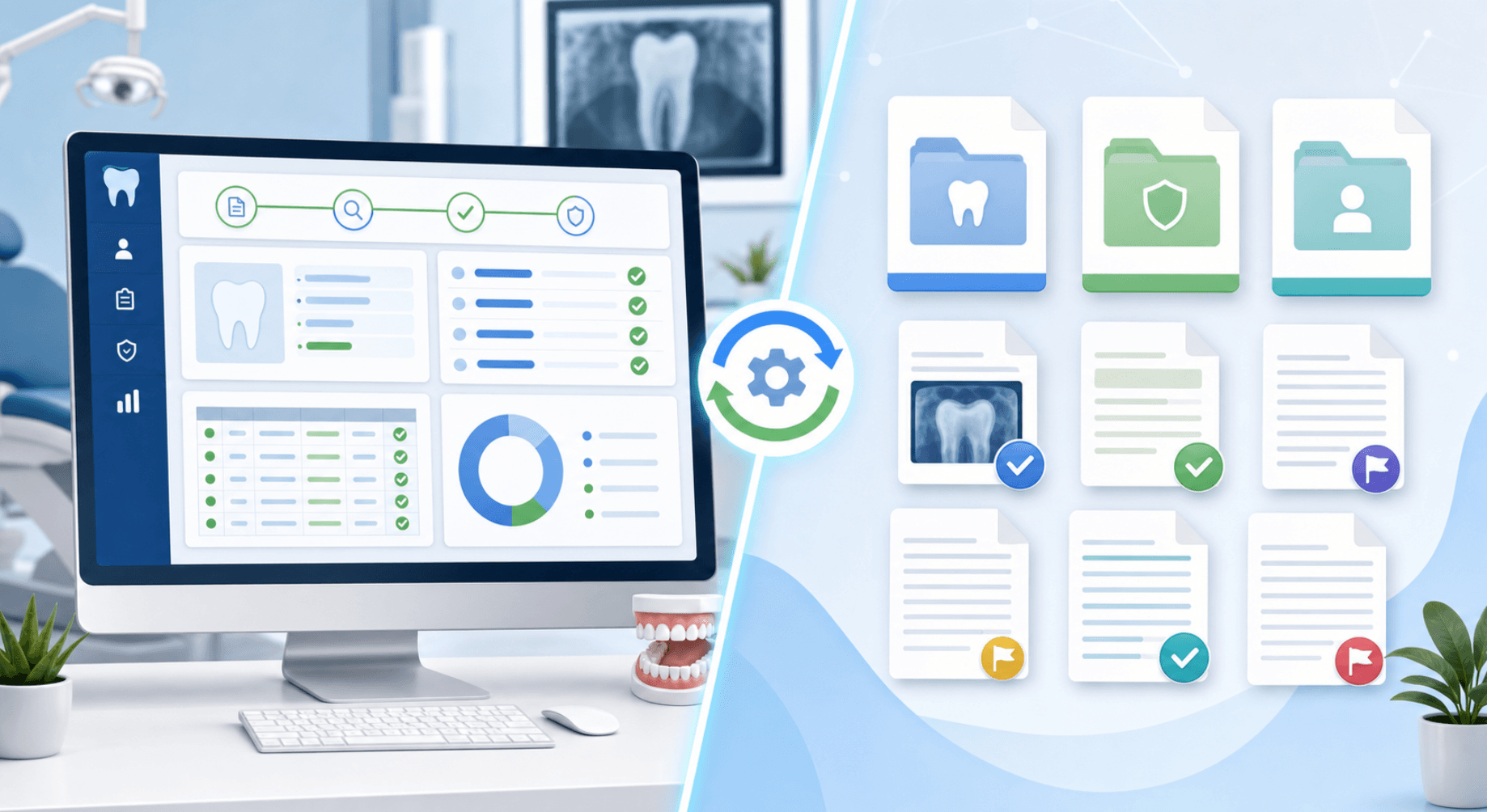
Everyone running Eaglesoft knows the posting grind. ERA files are imported but still need review; paper EOBs are keyed manually; payer portals require individual logins; and staff tie it all back to bank deposits one line at a time. Mistakes hide in the ledger until month-end or until a patient calls to ask why their balance is wrong. EOB automation for Eaglesoft with AI handles the reading, matching, posting, and reconciliation using the same rules your billers follow, so the work gets done without the hours.
TLDR:
- Automated EOB posting reclaims 80 to 100 hours per month for Eaglesoft practices.
- AI reads ERA 835 files, paper EOBs, and payer portals to post payments into the Account window.
- Browser-native automation works across Eaglesoft versions with low setup risk.
- Practices see 4-7% more revenue after going live with automated posting.
- Lassie posts payments directly in Eaglesoft using your existing fee schedules and posting rules.
What EOB Posting Is and Why Eaglesoft Practices Need Automation
An Explanation of Benefits (EOB) is the document a payer returns after adjudicating a claim. It tells you what got paid, adjusted, denied, and why. Posting that data into the patient ledger is how revenue actually closes.
For Eaglesoft offices, the work compounds quickly. A single location handles hundreds of EOBs monthly across a dozen payers, each with its own format, codes, and quirks. Staff key line items, apply write-offs, match deposits to the bank, and chase cents that do not line up. One mistyped allowable can throw a patient's balance off for months.
How Eaglesoft Handles Insurance Payment Processing
Eaglesoft gives you the tools to post insurance payments, but the work still lives with your team. EOBs arrive through three channels: paper checks in the mail, ERA 835 files routed through clearinghouses like eClaims or ClaimConnect, and individual payer portals that staff log into one at a time.
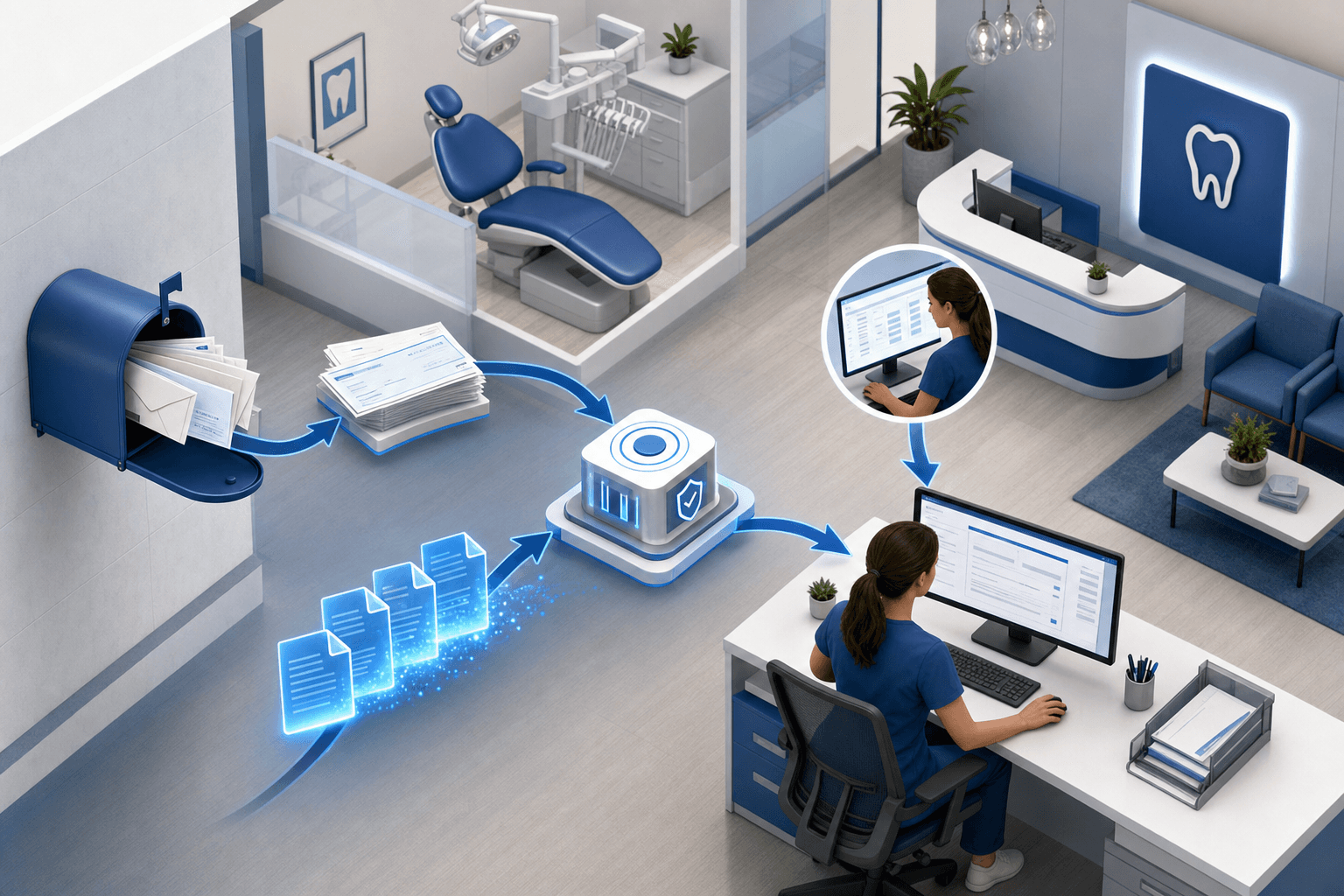
Posting happens inside the Account window. Staff open the patient ledger, pull the outstanding claim, Eaglesoft payment entry guide, apply adjustments line by line, and update claim status. ERA files import through Eaglesoft's electronic remittance feature but still require manual review, especially when allowables conflict with the fee schedule.
Reconciliation sits entirely on staff: tying payments to deposits, flagging missing checks, researching short-pays, and routing denials toward appeals. Eaglesoft does not pull EOBs from payer portals or match bank activity to posted payments. Those gaps are where manual hours stack up.
Three Automation Approaches for Eaglesoft EOB Posting
Automation in Eaglesoft comes in three architectures, each trading setup effort against posting control.
API-based integration
Patterson Technology does not offer a public API for Eaglesoft. The underlying SQL database is closed to third parties, so there is no published REST or HL7 FHIR API that billing tools can call.
Setting up under this model means deploying the middleware agent on the server running Eaglesoft, configuring database credentials, and mapping your fee schedule and payer IDs to the vendor's schema. That process takes weeks and breaks whenever Patterson ships a major version update — table schemas and endpoint contracts change, and the vendor has to patch before posting resumes. Practices on older Eaglesoft versions (pre-19) often cannot use API-adjacent vendors at all because the required endpoints were added in later releases.
Browser-native automation
The AI operates Eaglesoft like a biller does: opening the Account window, keying payments, applying adjustments, and updating claim status. It works across versions and preserves custom posting logic.
Hybrid clearinghouse-to-PMS
ERA 835 files flow from a clearinghouse into Eaglesoft's remittance module, with automated cleanup of exceptions. Portal-only payers, paper checks, and short-pays still fall to staff.
| Approach | Setup | Version risk | Portal/paper EOBs |
| API-based | Heavy | High | No |
| Browser-native | Light | Low | Yes |
| Hybrid ERA | Medium | Medium | Partial |
What AI Actually Does in Automated Payment Posting
Strip away the marketing buzz, and AI posting comes down to four discrete jobs.

Reading the remittance is first. The model parses payer formats (ERA 835 files, scanned paper EOBs, portal screens) and pulls fields that matter: patient, date of service, procedure code, billed, allowed, paid, patient responsibility, and adjustment reason codes.
Matching is next. AI ties each line item to the right open claim in Eaglesoft by cross-referencing patient name, date of service, and CDT code — even when the payer uses a subscriber ID that differs from the Eaglesoft chart number, truncates the patient name, or returns a procedure code that maps to a downgraded alternative.
Posting follows. Payments and adjustments apply to the ledger using practice-specific rules: contractual write-offs per payer fee schedule, composite-to-amalgam downgrades, fluoride age-limit adjustments, and deductible tracking per patient.
Exceptions route to a staff review queue when an allowable conflict with the Eaglesoft fee schedule, when no open claim matches the remittance line, or when the check total does not reconcile with the sum of line items.
How Automated Systems Retrieve EOBs from Payers
Retrieval is the part most Eaglesoft teams underestimate. EOBs do not arrive in one place, and automation has to meet payers where they live.
- ERA 835 files: pulled directly from clearinghouses (Change Healthcare, DentalXChange, eClaims) via authenticated feeds, no manual download.
- Payer portals: automated logins into Delta Dental, MetLife, Cigna, Aetna, Guardian, and BCBS to scrape EOBs that never reach the clearinghouse.
- Paper checks and scanned EOBs: ingested through OCR after being mailed in or uploaded.
- Banking feeds: read-only connections to Bank of America, Wells Fargo, and others tie EFT deposits to matching remittance documents.
Your payer contracts and portal logins remain the same. Retrieval runs on an automated schedule, pulling remittances from each source within hours of adjudication — no staff logins, no manual downloads.
Configuring Posting Rules and Adjustments in Automated Systems
Automation only works if it inherits how your office already posts. During onboarding, your existing Eaglesoft conventions get translated into rules the AI follows.
Categories to define:
- Contractual write-offs: in-network allowable versus billed fee, applied per payer fee schedule.
- Procedure-specific adjustments: fluoride age limits, composite downgrades, frequency limits. Each can post, write off, or route to appeals.
- Patient responsibility: deductibles preserved, small balances under a threshold written off for out-of-network patients.
- Confidence thresholds: when an allowable conflict with the Eaglesoft fee schedule, the system halts and flags the line for review.
Stage rollout by carrier, starting with Delta Dental, to validate logic payer by payer.
Time Savings and Productivity Impact for Eaglesoft Practices
The math on automation is simple once you measure it. Eaglesoft practices automated EOB posting typically recover 80 to 100 hours per month previously lost to manual keying, deposit matching, and ledger cleanup — a figure drawn from Lassie's own founding customer data.
That time gets redirected instead of lost. Billing coordinators shift from typing line items to the work that drives collections:
- Denial management and appeals prep, where a 30-minute review can recover hundreds per claim.
- AR follow-up on claims aged past 30 and 60 days.
- Patient balance conversations that lift point-of-service collection rates.
- Fee schedule audits when payer allowables drift below contract.
For a two-FTE billing team that redirects most of one role toward revenue work.
Error Reduction and Reconciliation Accuracy
Manual posting fails predictably. A biller transposes $148 as $184, allocates a payment to the wrong family member, or forgets a composite downgrade before closing the ledger. Those errors can sit undetected in the ledger until a patient calls about a wrong balance or month-end totals refuse to tie.
AI posting catches these at the line level. Three checks run before anything writes to Eaglesoft:
- Sum validation: line items must match the check or EFT total before posting.
- Fee schedule comparison: Allowables drifting from contracted rates trigger a hold.
- Ledger match: patient, DOS, and CDT codes must align with an open claim; otherwise, the line routes to exceptions.
Implementation Requirements for Eaglesoft Users
Before automation runs in your office, your tech stack and billing workflow need to meet specific prerequisites.
Technical prerequisites:
- Eaglesoft version 19 or newer, with network access for the automation agent to reach the workstation running the PMS.
- ERA enrollment active with your top payers through your clearinghouse.
- Portal credentials documented for any payer that does not deliver 835s.
- Read-only bank feed access for EFT matching.
Practice readiness:
- Posting rules written down, not living in one biller's head.
- A named staff owner for the exceptions queue.
- Fee schedules are current in Eaglesoft.
Most Eaglesoft practices go live within two to four weeks, validating one carrier first. Lassie requires a minimum of 70 percent of all insurance payments to be processed through the system, so practices with significant Medicaid or carve-out volume should confirm coverage before onboarding.
Lassie's AI Payment Posting for Eaglesoft Practices
Lassie is the AI piece of the stack built to run inside Eaglesoft, the way a biller would. We pull EOBs from clearinghouses, payer portals, and paper sources, read the line items, and post payments and adjustments to the Account window in real time. No exports, no uploads, no rekeying.
During onboarding, we translate your posting conventions into rules the AI follows: fee schedule logic, composite downgrades, fluoride age limits, write-off thresholds, and which denials route to appeals. Banking feeds tie EFT deposits to posted remittances. Ambiguous items get flagged for staff review.
One architectural note: EOBs are stored and searchable in Lassie's dashboard, but are not automatically uploaded into Eaglesoft's SmartDoc or individual patient charts. Practices that need EOBs to live inside the PMS patient record can download them from Lassie and upload manually.
Eaglesoft practices on Lassie see four to seven percent more revenue per month after going live. Pricing is 2 percent of posted insurance payments with a $3,000 per-location setup fee.
Final Thoughts on Insurance Posting Automation for Eaglesoft Offices
Manual EOB posting will keep working until your billing team runs out of hours or your AR starts aging beyond what phone calls can fix. Automation is not about replacing judgment; it's about giving your staff the capacity to use that judgment on denials and aged claims instead of typing allowables. Lassie handles the Eaglesoft posting; your team handles the revenue work. Start small, validate the logic, then scale across your payer contracts.
Book a demo to see how Lassie posts payments directly in Eaglesoft and how quickly your practice can go live.
FAQ
Can Eaglesoft automate EOB posting without a billing agency?
Yes. AI tools like Lassie post insurance payments directly into Eaglesoft by reading ERA files and payer portals, applying adjustments per your rules, and updating the ledger in real time. The work runs software-only, no humans in the loop.
Eaglesoft EOB automation vs manual posting: How much time do practices actually save?
Automated EOB posting typically reclaims 80 to 100 hours per month previously spent keying payments, matching deposits, and chasing ledger errors. That time moves toward denial appeals, AR follow-up, and patient collections that directly lift revenue instead of maintaining the ledger.
What's the difference between ERA auto-posting and full EOB automation in Eaglesoft?
ERA auto-posting imports 835 files into Eaglesoft but still requires staff to review exceptions, handle payers without ERA feeds, and process paper checks. Full automation pulls EOBs from portals and paper sources, posts across all carriers, and ties bank deposits to ledgers without manual cleanup.
How do I ensure automated postings follow my practice's fee schedule and write-off rules?
During onboarding, your existing Eaglesoft conventions translate into posting rules: contractual write-offs per payer, procedure-specific adjustments such as fluoride limits or composite downgrades, and thresholds that flag allowables that conflict with your fee schedule. The system halts and routes ambiguous items for review instead of blindly posting.
Does EOB automation work with paper checks and payer portals that don't send ERA files?
Yes. Automated systems log into payer portals (Delta Dental, MetLife, Cigna, Aetna, Guardian, BCBS) to pull EOBs that never reach the clearinghouse, and use OCR to read scanned paper remittances. Banking feeds tie EFT deposits to posted payments without manual matching.