Dental Payment Posting in Open Dental: How to Automate EOB Reconciliation for Independent Practices (June 2026)
Learn how to automate dental payment posting and EOB reconciliation in Open Dental for independent practices. Complete guide with automation tools (June 2026).
Max Shore - July 2, 2026
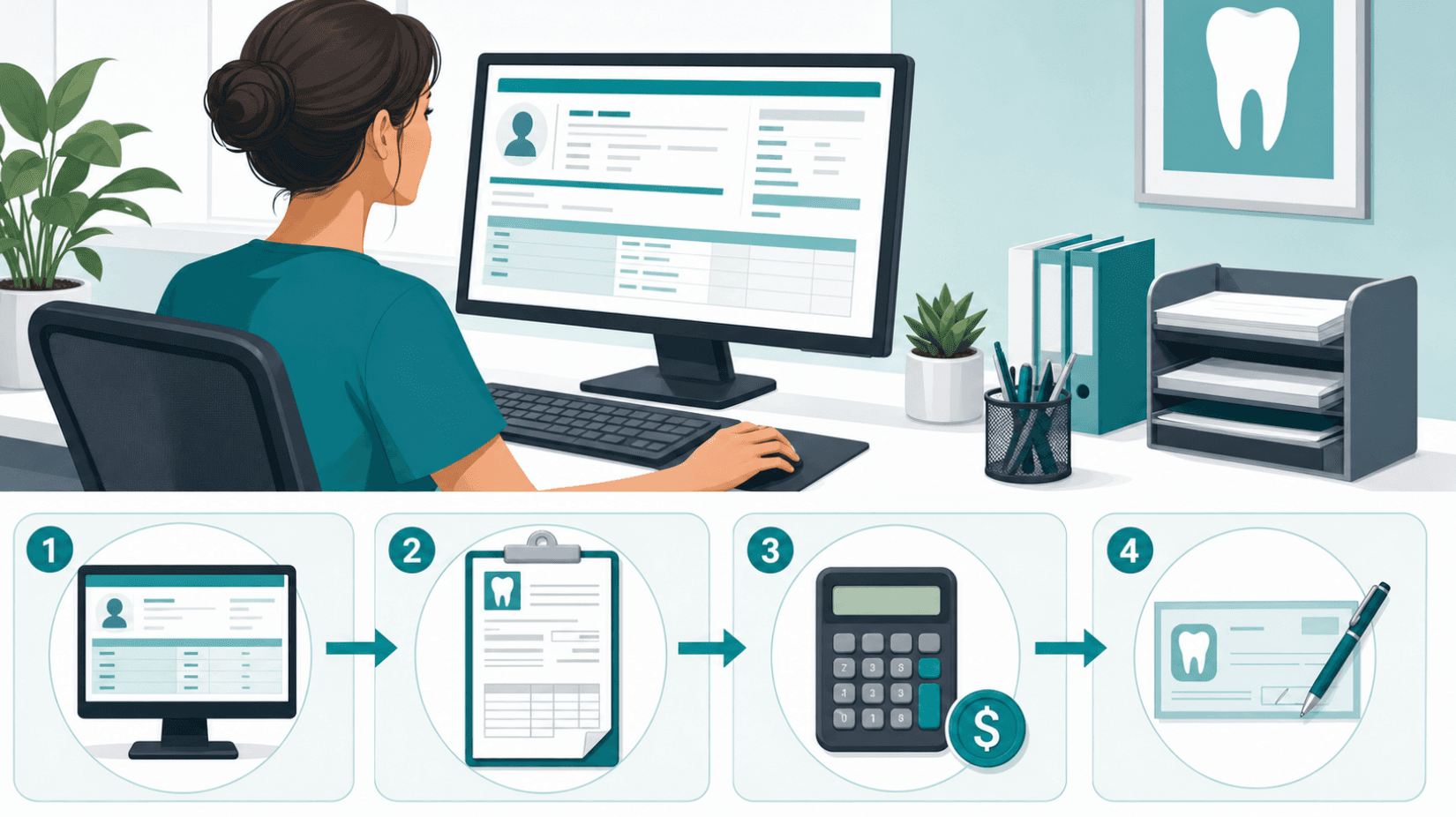
You're staring at an EOB that covers fifteen patients, and you know the next hour will be claim windows, split calculations, write-off entries, and one final check to make sure the deposit total matches your bank statement.
Dental payment posting in Open Dental gives you the control you need, but the manual EOB reconciliation process turns into a bottleneck when you're clearing hundreds of claims every month.
The path forward isn't about working faster through the same windows; it's about letting ERA auto-posting and AI payment software handle the repetitive parts while you focus on the exceptions that actually need your attention.
TLDR:
- Payment posting in Open Dental splits each insurance payment across procedures and deposits, and misallocated amounts inflate your aging reports.
- Manual posting of a bulk check covering twelve patients requires twelve separate claim windows and one shared deposit slip.
- ERAs auto-populate payment data for enrolled payers, but smaller carriers still send paper EOBs that require manual entry.
- Automation tools retrieve EOBs, post payments, and flag downgrades before appeals deadlines pass.
- Lassie automates EOB retrieval, posting, and bank reconciliation for Open Dental practices, replacing 80 to 100 hours of manual work monthly.
Understanding Payment Posting in Open Dental
Payment posting records an insurance or patient payment against a specific claim or procedure inside your practice management system. In Open Dental, this happens through the Account module, where each payment attaches to a patient ledger, splits across procedures, and ties to a deposit batch that matches your bank statement.
Three layers matter here:
- Payments: the raw dollar amount received from a payer or patient.
- Splits: how that payment allocates across procedures, providers, and claim line items.
- Deposits: groupings of payments that match against actual bank deposits.
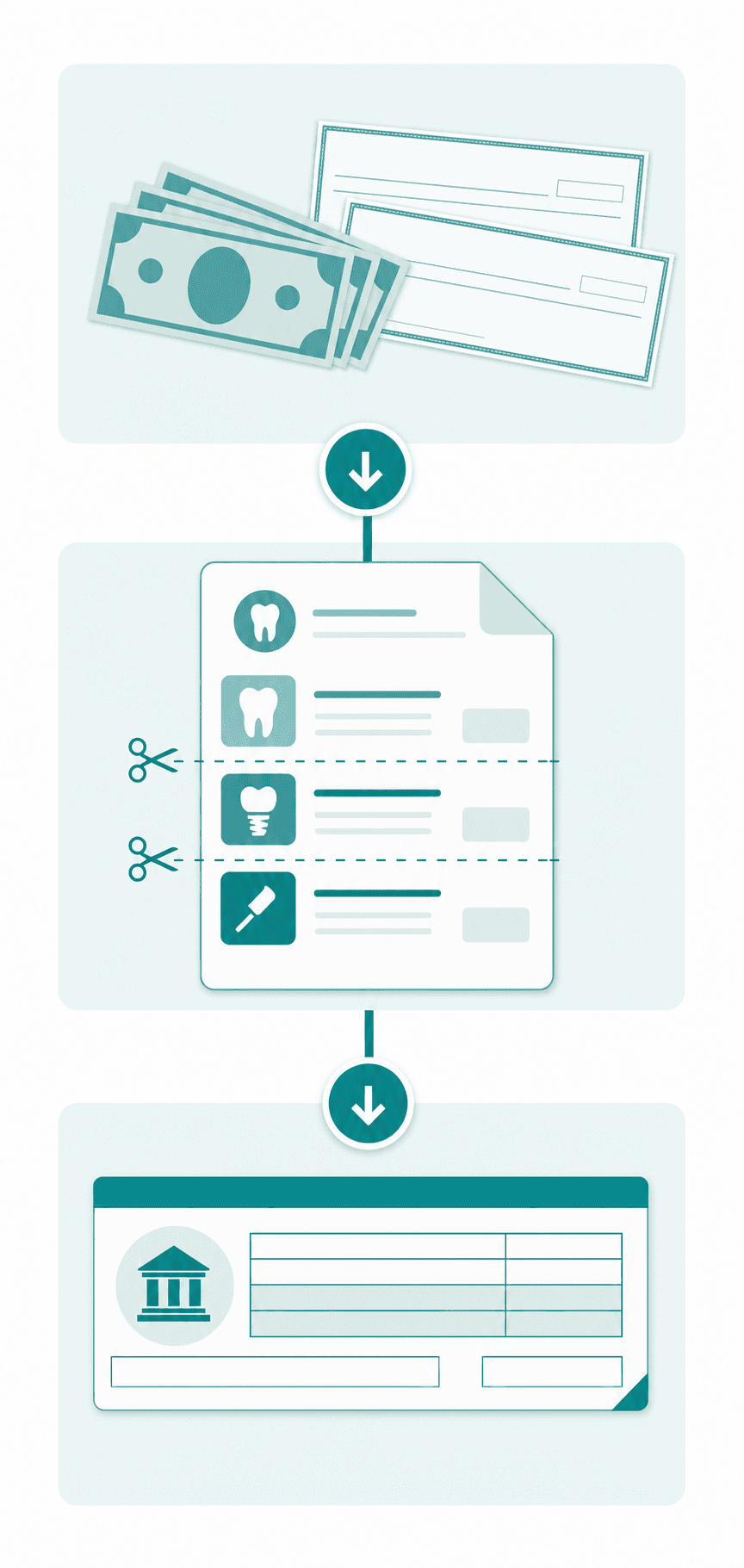
Open Dental treats unposted or misallocated payments as open AR, inflating aging reports and distorting provider production numbers.
Manual Insurance Payment Posting Workflow
Here is the typical sequence a biller follows when posting an insurance check by hand in Open Dental:
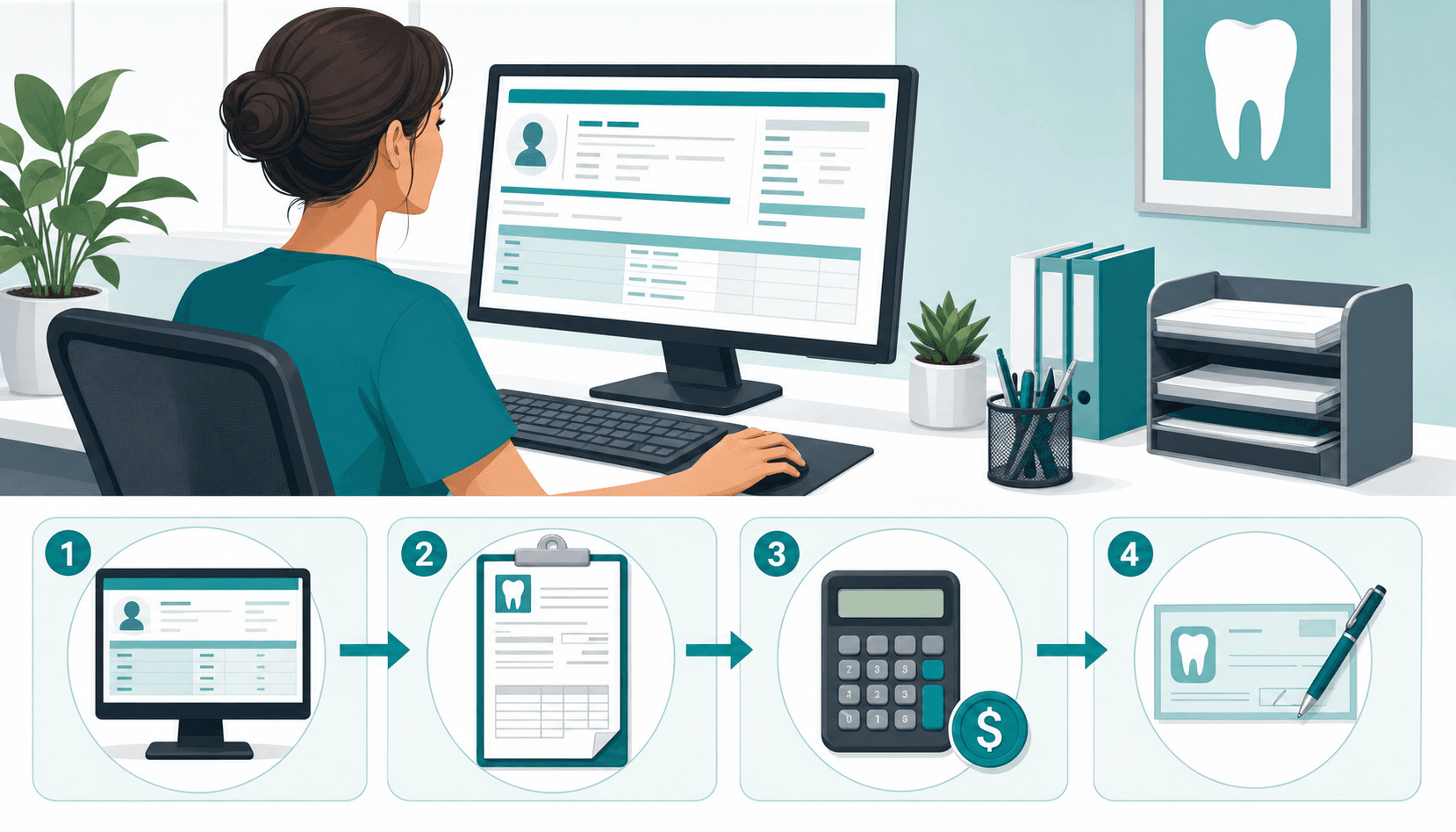
- Open the patient's Account module and locate the outstanding claim under the Insurance Claims grid.
- Double click the claim, then choose "By Total" or "By Procedure" based on how the EOB itemizes payment.
- Enter the check amount, check number, and date received in the Claim Payment window.
- For each procedure, key in the insurance paid amount, write-off against the contracted fee, and any deductible.
- Confirm the patient portion auto-calculates, then save the claim as received.
- Attach the payment to a deposit slip under Manage > Deposit Slips.
Repeat for every claim on the EOB. A bulk check covering twelve patients means twelve separate windows and one shared deposit slip. Miss a write-off and the patient gets billed incorrectly. Skip the deposit slip and bank reconciliation breaks the next morning.
Payment Splits and Allocation in Open Dental
Open Dental offers three allocation modes for splitting a payment across procedures, and the one you pick changes how strict the ledger math becomes.
Split modes at a glance
| Mode | Behavior | When to use |
| Auto-split | Distributes payment across oldest charges first | High-volume practices that trust aging order |
| Manual split | Biller assigns each dollar to a specific procedure | Complex EOBs with downgrades or denials |
| Rigorous accounting | Forces every payment to attach to a procedure | Multi-provider practices needing clean production reports |
Rigorous mode, set under Setup > Account > Account Preferences, prevents floating credits and keeps provider production numbers accurate.
Manual review is required when an EOB downgrades a procedure, applies a deductible to one line, or denies one procedure while paying others. Auto-split cannot read EOB reason codes. See the Open Dental payment documentation for each mode.
Insurance EOB Reconciliation Best Practices
Reconciliation is the daily checkpoint that catches what posting missed. Treat it as a three-way match: the EOB, the entry in Open Dental, and the bank deposit need to agree to the cent before you close the day.
A reliable daily rhythm looks like this:
- Pull the Daily Payments report under Reports > Standard > Daily and filter by payment type.
- Cross-reference each posted insurance payment against the EOB total, including interest or capitation amounts.
- Confirm the deposit slip total matches the EFT or check batch hitting your bank account.
- Investigate unallocated income before it ages into the next billing cycle.
Monthly, pair the Insurance Aging report with your bank statement to catch EFTs without EOBs, payer takebacks posted as negative adjustments, and bundled payments spanning multiple deposit dates. The Zeldent reconciliation tips guide covers edge cases worth knowing.
Common Payment Posting Errors and How to Avoid Them
The same handful of mistakes show up across most practices we audit. Each one looks small in isolation and compounds into AR drag over a quarter.
- Write-off math that ignores the contracted fee: posting the billed amount as paid inflates patient balances and triggers refund requests later.
- Misapplied patient responsibility: keying the deductible into the wrong procedure line creates statement disputes.
- Unfinalized batch payments: leaving a Claim Payment window saved but not marked received holds the claim open and skews aging.
- EOB versus deposit date mismatches: breaks the daily three-way match.
- Downgrades posted as paid: buries an appeal opportunity.
Prevention comes down to two habits: configure fee schedules so write-offs auto-calculate, and route any line with a reason code through a second reviewer before saving.
Electronic Remittance Advice (ERA) and Auto-Posting in Open Dental
ERAs (the 835 file format) are the digital twin of a paper EOB. Once enrolled with a payer, the file lands under Manage > Claims ERAs and auto-populates check amount, paid-by-procedure breakdowns, write-offs, and CARC reason codes against matching claims.
Setup requires three pieces:
- Payer-by-payer ERA enrollment through your clearinghouse (DentalXChange, Change Healthcare, Vyne).
- Activating Setup > Family/Insurance > Insurance Payment Setup so ERAs route to the correct provider.
- Matching the EFT trace number to the bank deposit before finalizing the batch.
The Open Dental ERA 835 manual covers payer-specific quirks. The catch: ERAs only cover enrolled payers, and smaller carriers still send paper PDFs that demand manual entry.
Configuring EFT Payments and Bank Reconciliation
EFT enrollment moves insurance payments from paper checks into direct bank deposits, usually settling in two to three business days instead of two weeks. Each payer has its own enrollment portal, voided check requirement, and W-9 step.
A workable setup sequence:
- Enroll payer by payer through the carrier's provider portal or your clearinghouse's EFT service.
- Capture the EFT trace number (TRN segment in the 835) for every deposit and store it against the matching ERA in Open Dental.
- Match the trace number to the bank ledger line before finalizing the deposit slip under Manage > Deposit Slips.
The ADA guidance on EFT benefits covers carrier-specific requirements and virtual credit card fees worth avoiding.
Batch Insurance Payment Processing in Open Dental
When one check or EFT pays ten or more claims, posting each through the single-claim workflow wastes time. Open Dental's Manage > Batch Insurance window records the deposit once and attaches every claim to it.
When batch beats single-claim posting:
- The payer issued one check or EFT covering five or more patients.
- Every claim on the EOB belongs to the same carrier and check number.
- You need the deposit slip to balance against one bank line item.
The workflow:
- Open Manage > Batch Insurance and enter carrier, check number, date, and total.
- Click Add to attach each claim with paid amounts, write-offs, and deductibles per procedure.
- Watch the running total: the batch will not finalize until attached claims equal the check amount.
Where batch posting breaks:
- Unattached claims leave the batch unbalanced and lock finalization.
- Claims under a different insurance plan reject from the batch.
- Partial payments split across two deposits: post the portion received and leave the claim partially paid.
The Open Dental batch payment manual covers finalization rules and edit permissions worth setting before staff touch the window.
Automating EOB Posting: AI and Software Solutions for Independent Practices
Manual posting and ERA auto-population both stop short of full automation. ERAs handle data transfer for enrolled payers, but staff still validate splits, chase paper EOBs from smaller carriers, and run the daily three-way match by hand.
Full automation closes those gaps. AI posting tools retrieve EOBs across payers, post them into Open Dental against the correct claims and procedures, apply practice-specific write-off rules, and match against the bank deposit in realtime.
Tradeoffs worth weighing:
- Coverage gaps: vendors handle commercial PPO well, but Medicaid TPAs, secondaries, and edge payers vary.
- Rule configurability: blanket auto-posting hides downgrades that should route to appeals.
- Document storage: some tools keep EOBs in their own dashboard instead of uploading into Smart Docs.
- Scope boundary: posting automation usually excludes submission, verification, and appeals follow-up.
For practices clearing several hundred claims monthly, the math favors automation. Below that, setup fees and minimum volume thresholds may not pencil out.
How Lassie Automates Payment Posting and EOB Reconciliation for Open Dental Practices
Lassie sits on top of Open Dental as the automation layer that handles EOB retrieval, payment and write-off posting, three-way bank deposit matching, and downgrade flagging for appeals, all without staff touching the Claim Payment window.
What that replaces in our customer base:
- 80 to 100 hours per month of manual reconciliation labor
- Posting errors from misapplied write-offs, deductibles, and downgrades
- Delayed refile opportunities buried inside accepted EOBs
Practices running on Lassie see four to seven percent more revenue per month post-implementation. Posting rules map to your fee schedules, ambiguous cases route to human review, and a phased payer rollout lets you validate accuracy with one carrier first.
Final Thoughts on Automating Payment Posting Workflows
Posting payments manually works until your claim volume outgrows your billing team's capacity to keep up without errors. ERAs close part of the gap for enrolled payers, but full automation handles retrieval, posting, reconciliation, and exception flagging across every carrier you bill. The question is whether your practice clears enough monthly claims to support the setup investment and whether you trust the tool to apply your fee schedule rules correctly. Most practices that cross a few hundred claims monthly see the math tip in favor of automation. If you want to see how Lassie handles this for Open Dental practices, book a demo.
FAQ
Can I automate EOB posting in Open Dental without hiring a billing agency?
Yes. AI posting software retrieves EOBs from payers, posts payments and write-offs directly into Open Dental, and matches against your bank deposits without staff touching the Claim Payment window. This eliminates manual posting labor while keeping control inside your practice instead of outsourcing to a billing service.
Open Dental ERA auto-posting vs full payment posting automation?
ERAs auto-populate check amounts and procedure-level payments for enrolled payers, but staff still validate splits, manually post paper EOBs from smaller carriers, and run the daily three-way match. Full automation handles retrieval across all payers, applies your practice-specific write-off rules, matches bank deposits in realtime, and flags downgrades for appeals without manual review.
What happens when an EOB downgrades a procedure in Open Dental?
Manual posting often records the downgraded amount as paid, which closes the claim and buries the appeal opportunity. AI posting tools flag downgrades with reason codes and route them to an appeals dashboard instead of auto-posting, so you can decide whether to accept the reduction or refile before the patient gets billed.
How do I match batch insurance payments against bank deposits in Open Dental?
Open Manage > Batch Insurance, enter the carrier, check number, date, and total, then attach each claim with paid amounts and write-offs per procedure. The batch will not finalize until attached claims equal the check amount. Match the EFT trace number from the 835 file to your bank ledger line before finalizing the deposit slip under Manage > Deposit Slips.