Dental Payment Posting: Complete Step-by-Step Guide for Independent Practices (June 2026)
Learn the dental payment posting process step by step. Save 80-100 hours per month and catch underpayments with this guide for independent practices. June 2026.
Max Shore - July 6, 2026
Your biller sits down with a stack of EOBs, opens Dentrix or Eaglesoft, and keys in payments until the deposit balances. It's the same dental payment posting process most independent practices follow, and it quietly eats 15 to 20 hours every week. The steps themselves are simple: match the claim, post the payment, apply the adjustment, balance the deposit. String them together correctly and posting stops backing up your AR.
TLDR:
- Dental payment posting records insurance and patient payments in your PMS after claims adjudicate.
- Manual posting consumes 80 to 100 hours per month at a typical independent practice.
- Line-by-line posting catches underpayments that lump-sum totals hide, protecting 4 to 7% revenue.
- At least 15% of dental claims are denied on first submission, visible only through EOB review.
- Lassie automates posting across Dentrix, Eaglesoft, and Open Dental with AI-driven ERA parsing.
What Is Dental Payment Posting and Why It Matters
Dental payment posting is the day-to-day work of recording insurance and patient payments into your practice management system after claims have been adjudicated. Every check, EFT, virtual card, and patient copay has to land against the right procedure, on the right ledger, with the right adjustment applied. When posting runs cleanly, your AR report tells the truth. When it doesn't, small mismatches compound into weeks of untangling.
A few reasons accurate posting carries weight in an independent practice:
- Cash flow visibility depends on knowing what was actually paid versus what was contractually owed.
- Underpayments, downgrades, and bundling errors only surface if someone matches EOB line items against fee schedules.
- Patient balances cannot be billed correctly until insurance has posted and write-offs are applied.
- Bank reconciliation falls apart when deposits don't tie back to posted payments.
Posting is where revenue gets captured or quietly leaks out.
The Step-by-Step Dental Payment Posting Process
Here is the workflow most independent practices follow, from the moment a payer remits to the moment the books balance:
- Receive the remittance. EOBs arrive as paper, faxes, payer portal PDFs, or 835 ERA files. Sort by payer and date of service first.
- Match to the submitted claim. Confirm procedure codes, dates, and provider on the EOB match what was billed. Discrepancies signal a downgrade or bundling.
- Post insurance payments line by line. Enter the allowed amount, paid amount, deductible, and coinsurance against each procedure. Lump-sum posting hides errors.
- Apply contractual adjustments and write-offs. For in-network claims, the gap between billed fee and allowed amount becomes a write-off.
- Calculate patient responsibility based on remaining balance after credits and copays collected.
- Balance against the bank deposit. Total posted payments and confirm they match the EFT or check hitting the bank.
- Flag exceptions for follow-up. Underpayments, denials, and unexpected adjustments go into an appeals worklist, never the closed pile.
Understanding EOBs and ERAs in Payment Posting
An EOB is the paper or PDF document a payer sends to explain how a claim was adjudicated. An ERA, also called an 835 file, is the electronic version structured for automated import.
Whichever format hits your desk, the line items you need to read are the same:
| Field | What it tells you |
| Patient and subscriber | Who the claim belongs to |
| Procedure code (CDT) | What was billed |
| Billed fee | What you charged |
| Allowed amount | Contracted rate per your fee schedule |
| Paid amount | What the payer remitted |
| Deductible and coinsurance | What rolls to the patient |
| CARC and RARC codes | Why a line was reduced or denied |
Paper EOBs force manual keying. ERAs flow through clearinghouses like DentalXChange and can be parsed directly, reclaiming most posting time.
Common Payment Posting Errors and How to Avoid Them
Manual posting is forgiving right up until it isn't. A single misapplied payment can sit on the wrong ledger for months before a patient calls about a mismatched statement. Industry coverage consistently points to delayed or rejected claims as a leading source of lost revenue for dental practices.
The errors that keep showing up:
- Posting to the wrong patient or guarantor, common when family members share a subscriber ID.
- Lump-sum posting against a bulk check, hiding line-level underpayments behind a tidy total.
- Miscalculated write-offs: posting billed minus paid as the adjustment, instead of billed minus allowed.
- Missing payer underpayments when allowed amounts aren't compared to your contracted fee schedule.
- Skipped bank reconciliation, so posted payments and actual deposits drift apart.
- Backlogged posting, where EOBs sitting in a pile turn into aging AR that looks like a collections problem but is actually data entry.
The fix is structural: post line by line, balance to the deposit daily, and route any line that doesn't match the fee schedule into a review queue instead of forcing it through.
Manual vs. Automated Payment Posting
Most independent practices still post payments by hand. The day looks like this:
- Log into Aetna, Cigna, Delta, MetLife, and a half dozen payer portals.
- Download PDF EOBs from each one.
- Key each line into Dentrix, Eaglesoft, or Open Dental.
- Tie the day's posts back to the bank deposit.
It works. It also consumes 80 to 100 hours a month at a typical practice.
Automated posting collapses that loop. ERAs and portal EOBs are retrieved on a schedule, parsed against your fee schedule, and written directly to the PMS ledger. A human only touches exceptions.
| Step | Manual | Automated |
| EOB retrieval | Log into each portal, download | Pulled on schedule |
| Data entry | Keyed line by line | Written to the ledger |
| Write-offs | Calculated per claim | Applied from contracted rates |
| Bank reconciliation | Tallied at day's end | Matched in realtime |
| Exception handling | Mixed into the pile | Routed to a review queue |
The trade-off is real. Automation requires upfront rules configuration and trust in software with money movement. Manual posting requires staff hours that compound every month claim volume grows.
Key Metrics to Track for Payment Posting Performance
Posting performance is invisible without numbers attached to it. These are the metrics worth pulling monthly:
- Days in AR: average days from claim submission to payment posting. Under 30 is healthy; over 45 signals upstream breakdowns.
- Clean claim rate: percentage of claims paid on first submission without edits. Below 90% points to coding or eligibility gaps.
- Posting turnaround: hours between EOB arrival and ledger entry. Same-day is the target.
- Denial rate: percentage of line items denied per remittance batch.
- Underpayment identification rate: share of paid lines flagged against contracted fee schedules.
Tracked together, these reveal whether posting is keeping pace with collections or quietly falling behind.
Denial Management and Payment Posting
Posting is where denials become visible. Walking an EOB line by line surfaces every zero-paid procedure with a CARC code attached. Skip that read and denials get buried under the lump-sum total. At least 15% of dental claims are denied on first submission, making denial visibility during posting a revenue protection function.
Common denial reasons surfaced at posting:
- Missing documentation: no narrative, perio chart, or pre-op X-ray attached.
- Coding errors: wrong CDT code, missing tooth number, incorrect surface designation.
- Non-covered service: frequency limit hit, age limit exceeded, or plan exclusion.
- Downgrades posted as denials: composite paid at amalgam rate with the difference miscategorized.
- COB issues: secondary payer denying because the primary EOB wasn't attached.
Accurate CARC/RARC capture creates the audit trail appeals depend on.
Dental Payment Posting Jobs: Roles, Skills, and Compensation
Independent practices hire for payment posting under four common titles: dental payment poster, insurance coordinator, billing specialist, or revenue cycle associate. The work overlaps heavily. Titles mostly reflect how much of the broader AR workflow sits on one desk.
Typical responsibilities include:
- Processing daily EOBs and ERAs against submitted claims
- Posting insurance and patient payments to the PMS ledger
- Applying contractual write-offs and calculating patient balances
- Balancing posted payments to bank deposits
- Flagging underpayments, denials, and downgrades for follow-up
Skills that matter on the job:
- Fluency with Dentrix, Eaglesoft, or Open Dental
- Working knowledge of CDT codes, CARC/RARC codes, and fee schedules
- Reading payer contracts to spot contractual variance
- Spreadsheet skills for batch reconciliation
Compensation in 2026 runs roughly $20 to $28 per hour for in-house posters, with senior billing managers overseeing multi-location AR earning $60K to $80K salaried. Remote and contract roles often pay per claim or against a posting quota.
How AI Automates Insurance Payment Posting for Independent Practices
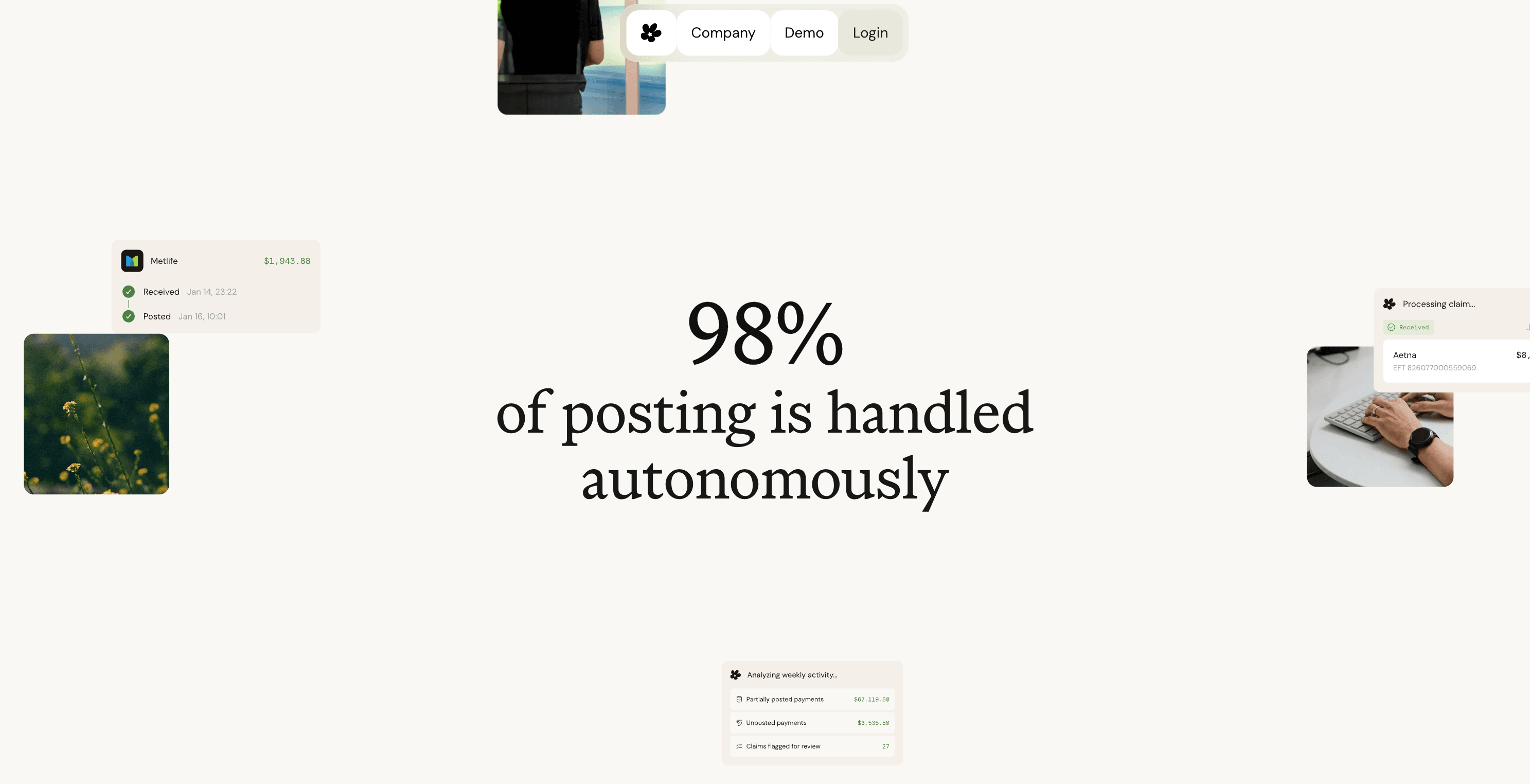
AI reshapes posting work. Instead of billers logging into payer portals, downloading PDFs, and keying line items, software retrieves EOBs on a schedule, reads them against your fee schedule, and writes results directly into Dentrix, Eaglesoft, or Open Dental. Bank reconciliation runs in realtime. Staff only touch exceptions.
Among the vendors we track, Lassie is the only fully automated AI posting solution across all three major PMS systems (Dentrix, Eaglesoft, and Open Dental). Zentist and Teero have automated Open Dental but, based on our research, still rely on human billers for Dentrix and Eaglesoft.
Outcomes across our customer base:
- 80 to 100 hours per month reclaimed from manual reconciliation
- 4 to 7 percent more revenue per month after implementation, from catching underpayments and downgrades that lump-sum posting hides
- Paper checks, scanning, and faxing eliminated through EFT enrollment and direct ERA parsing
One biller gains the capacity of a full team, without the headcount or embezzlement risk.
Final Thoughts on Managing Dental Payment Posting
Clean posting protects revenue and keeps your books honest. Whether you post manually or automate the workflow, the goal is the same: catch underpayments, apply write-offs correctly, and balance to the bank every day. Posting done right turns AR into a collections tool instead of a backlog problem. The practices that treat it as revenue protection instead of data entry see the difference in their numbers.
If manual posting is eating 80 to 100 hours a month at your practice, see how Lassie posts EOBs automatically across Dentrix, Eaglesoft, and Open Dental. Book a demo to see it run on your own claims.
FAQ
Can I automate dental payment posting without hiring a billing agency?
Yes. AI software like Lassie retrieves EOBs, posts payments directly into your PMS, and balances to your bank account without human billers touching each line. You gain time savings and underpayment detection without outsourcing AR to a staffing model.
Dental payment posting Dentrix vs Open Dental automation--does it matter?
Most automation platforms have only automated Open Dental and still use human billers for Dentrix and Eaglesoft. Lassie automates all three PMS systems with AI, so you get software-level posting regardless of which system your practice runs.
How long does payment posting usually take per EOB?
Manual posting runs 5 to 10 minutes per EOB depending on line item count and write-off complexity. At 80 to 100 hours per month, a typical practice processes 500 to 1,200 EOBs manually. Automated posting collapses that to seconds per claim with human review only on exceptions.
What skills do dental payment posting jobs require in 2026?
You need fluency with your PMS (Dentrix, Eaglesoft, or Open Dental), working knowledge of CDT codes and CARC/RARC denial codes, ability to read fee schedules and spot contractual variances, and spreadsheet skills for bank reconciliation. Compensation typically runs $20 to $28 per hour.
When should I flag an EOB line for appeals instead of posting it?
Flag any line where the allowed amount falls below your contracted fee schedule, any denial with a CARC code indicating missing documentation or coding error, and any downgrade where a higher-value procedure was paid at a lower rate. Posting these as-is buries revenue you can recover.