The ADA Dental Claim Form Explained: What Every Field Means and How to Fill It Out (June 2026)
Learn what every field means on the ADA dental claim form and how to fill it out correctly to avoid denials. Complete instructions for June 2026.
Max Shore - July 2, 2026
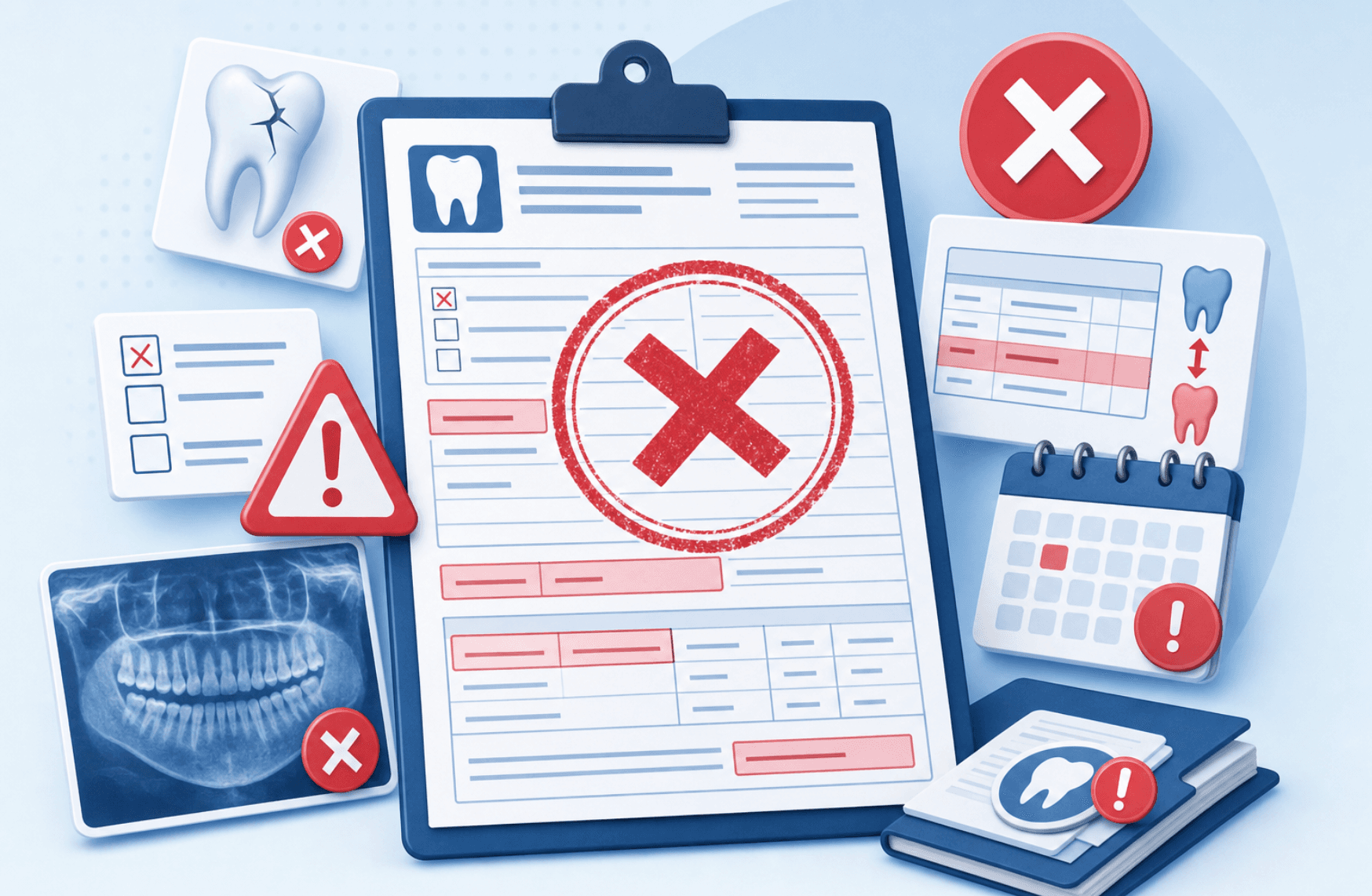
You download a free ADA dental claim form PDF fillable template, enter the patient details on your dental claim form online, hit submit, and two weeks later the claim bounces. One wrong box on the American Dental Association claim form can send your payment into denial: a transposed birth date, a missing group number on the blank ADA dental claim form, or a CDT code that doesn't match the tooth surface you listed. We're walking through every field on the 2024 ADA dental claim form PDF so you know what each one does, when attachments are required, and how to stop wasting hours on rejected submissions.
TLDR:
- The 2024 ADA Dental Claim Form is the current standard; older versions risk rejection.
- A large share of dental claims are denied due to missing IDs, wrong CDT codes, or no attachments.
- Electronic claims process in 7 to 14 days versus 30+ days for paper submissions.
- Misspelled names and transposed birth dates are among the most common denial triggers.
- Lassie automates EOB posting to reduce admin labor by 80 to 100 hours per month.
What Is the ADA Dental Claim Form and Why It Matters
The ADA Dental Claim Form is the standardized document developed by the American Dental Association for reporting dental services to insurance carriers. Every major payer accepts it, including Delta Dental, MetLife, Cigna, Aetna, Guardian, and BlueCross BlueShield, making it the common language between dental offices and benefit plans.
It captures everything a payer needs to adjudicate a claim: subscriber details, patient information, procedure codes, tooth numbers, fees, and the treating dentist's credentials.
You'll see it referenced by year (2012, 2019, 2024, 2025, 2026) because the ADA periodically updates the form to reflect changes in CDT codes, HIPAA requirements, and reporting standards. Using the wrong version is one of the fastest ways to get a claim rejected.
ADA Dental Claim Form 2024: What Changed in the Latest Version
The 2024 ADA Dental Claim Form is the version accepted by all major payers as of 2026. It replaced the 2019 form, and carriers like UnitedHealthcare are phasing out older versions. Submit a 2012 or 2019 form today and you risk having the claim returned unprocessed.
Key updates in the 2024 version include:
- Expanded diagnosis code fields to better align with ICD-10 reporting
- Clearer guidance for predetermination versus actual claim submissions
- Updated language reflecting current HIPAA transaction standards
- Refined fields for coordination of benefits when secondary insurance applies
Payers scan for the version footer, and outdated submissions add days to reimbursement.
Header Information: Transaction Type and Predetermination Fields
The top of the form declares what kind of submission this is. Box 1 holds two checkboxes: "Statement of Actual Services" for treatment already completed, and "Request for Predetermination/Preauthorization" when you want the payer to estimate coverage first. A third checkbox, "EPSDT / Title XIX," applies only to Medicaid pediatric services and stays blank for commercial claims.
Box 2 captures the predetermination number if one was issued. Box 3 records the carrier name and mailing information. Get that location wrong and the claim goes nowhere.
Subscriber and Patient Information Sections (Fields 1-22)
Fields 4 through 11 capture the primary subscriber: name, contact information, date of birth, gender, member ID, plan or group number, and employer. Fields 12 through 17 record the patient's relationship to the subscriber, which matters when the patient is a spouse or dependent. Fields 18 through 22 hold patient demographics.
These entries are where most denials start. Misspelled names, transposed birth dates, and invalid member IDs are among the most common claim errors, and payers will reject the form instead of guessing at the correct identity.
Record of Services: Procedure Codes, Tooth Numbers, and Fees (Fields 24-32)
Fields 24 through 32 document each procedure: date of service, oral cavity area, tooth system (Universal/National in the US), tooth number, surface, CDT code, and fee.
CDT codes are the ADA's Current Dental Terminology procedure codes, updated annually. Common ones:
| CDT Code | Procedure |
| D0120 | Periodic oral evaluation |
| D1110 | Adult prophylaxis |
| D2392 | Posterior composite, two surfaces |
| D2740 | Crown, porcelain/ceramic |
| D7140 | Extraction, erupted tooth |
Surfaces use single letters (M, O, D, B, L, I) and must match the code. A two-surface composite with one surface listed bounces back.
Diagnosis Codes and Medical Necessity Documentation
Fields 34 through 34d hold up to four ICD-10 diagnosis codes, with 34a marking the principal diagnosis. Payers reference these to confirm medical necessity for procedures crossing into medical territory like sleep appliances, biopsies, trauma repair, or TMJ treatment.
Common ICD-10 codes on dental claims:
| ICD-10 Code | Condition |
| K02.9 | Dental caries, unspecified |
| K05.30 | Chronic periodontitis |
| K08.109 | Complete loss of teeth |
| M26.60 | TMJ disorder, unspecified |
Each procedure line in field 29a points to its diagnosis (A, B, C, or D), tying the service to its clinical reason.
Treating Dentist and Billing Provider Information (Fields 48-58)
Fields 48 through 52 belong to the billing dentist or entity authorized to receive payment, often the practice or DSO instead of the individual clinician. You'll list name, location, NPI, license number, and TIN or SSN.
Fields 53 through 58 capture the treating dentist: signature, date, NPI, license, location, and taxonomy code for the specialty.
If field 52a (assignment of benefits) is checked but the billing NPI is blank or mismatched against payer records, reimbursement defaults back to the subscriber. Field 53's signature attests that listed services were actually performed.
Supporting Documentation Requirements: X-Rays, Narratives, and Attachments
Certain procedures will not adjudicate without backup. Crowns, scaling and root planing, surgical extractions, implants, and most orthodontic claims typically require radiographs, intraoral photos, periodontal charting, or a written narrative of medical necessity.
For electronic claims, attachments travel through services like NEA FastAttach with a reference number entered in field 35. Paper claims need physical copies stapled behind the form.
Skip the documentation and the payer denies or pends the claim, a frequent billing mistake that delays payment by weeks.
How to Submit Your Claim: Electronic vs. Paper Filing
Most practices submit through a clearinghouse like DentalXChange, Change Healthcare, or Tesia, which routes the 837D file to the payer in seconds. Electronic claims typically process in 7 to 14 days, while paper claims mailed to the location in box 3 can take 30 days or more.
A few practical notes on each route:
- Electronic: faster adjudication, eligibility checks, digital attachments via NEA FastAttach, and scrubbing that catches missing fields before submission
- Paper: still required for some regional carriers and Medicaid programs, mailed with original signatures and physical attachments
If a payer accepts electronic submission, use it.
Common Mistakes That Cause Claim Denials
A meaningful share of dental claims get denied, and most rejections trace back to preventable errors:
- Incorrect or outdated CDT codes, or codes mismatched with tooth surface
- Missing subscriber ID, group number, or transposed birth dates
- Filing past the payer's timely filing window (often 90 to 180 days)
- Skipping coordination of benefits fields when secondary coverage exists
- Omitting required attachments for crowns, SRP, or surgical extractions
Scrub every claim against this checklist before submission.
What Happens After You Submit: Processing Timeline and EOB
Once submitted, the claim enters adjudication. The payer verifies eligibility, checks procedures against plan benefits, applies fee schedules and frequency limits, then issues a payment decision. Most US dental claims process within 14 to 30 days when documentation is complete.
The response arrives as an Explanation of Benefits (EOB) itemizing each procedure with billed fee, allowed amount, patient responsibility, write-off, and insurance payment. Read it carefully:
- Compare the allowed amount against your contracted fee schedule
- Confirm patient portion matches the deductible and coinsurance on file
- Flag downgrades (composite paid as amalgam) for appeal
- Verify the check or EFT deposit matches the EOB total before posting
Discrepancies caught at posting cost far less to resolve than ones found later during AR cleanup.
How AI Is Automating Dental Claim Processing and EOB Management
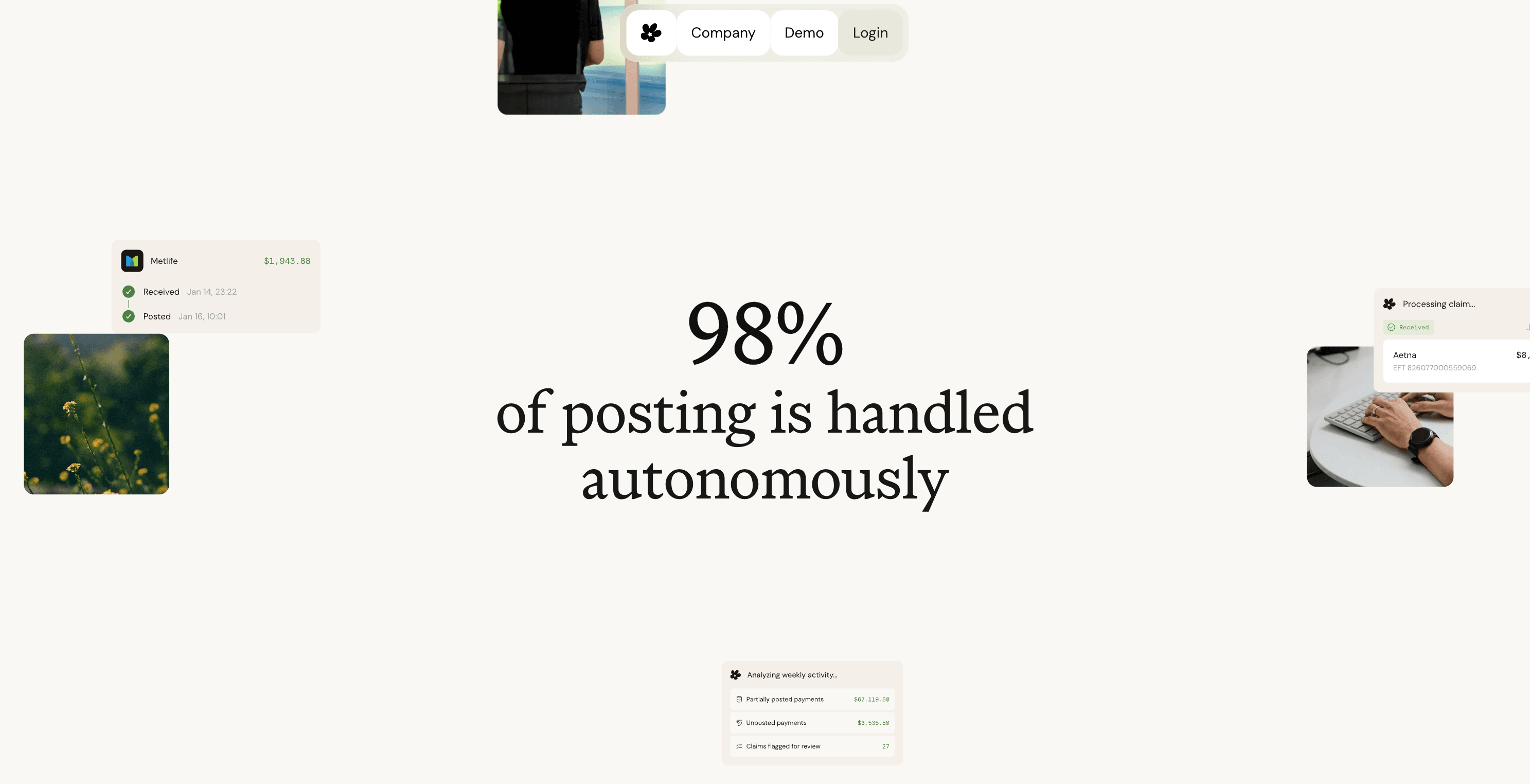
Filing the claim is half the job. Once payment arrives, someone retrieves the EOB, keys each line into the practice management system, posts adjustments, and matches the deposit against the bank. Most offices burn 80 to 100 hours a month on this. At a typical $22 to $25 per hour billing wage, that's roughly $21,000 to $30,000 a year in posting labor alone, and it stacks on top of the $100K to $200K a year a practice spends on insurance admin overall.
At Lassie, we automate that post-claim workflow with AI. Our system pulls EOBs from payer portals, reads payment detail, and posts directly into Dentrix, Eaglesoft, or Open Dental using your fee schedules and adjustment logic. Errors get flagged to the cent, deposits match in realtime, and instead of waiting 30+ days for reimbursement under the manual workflow, practices get paid up to 4x faster.
Final Thoughts on Submitting Dental Claims Correctly
You don't need perfect forms, just accurate ones. Check your subscriber data, match surfaces to your CDT codes, and file electronically whenever possible. The real work starts after submission when you're posting payments and matching deposits. If that's eating up your admin hours, automation can give you those days back without changing how you practice. Book a demo to see how Lassie automates EOB posting for your practice.
FAQ
Can I still use the 2019 ADA dental claim form in 2026?
No. Major payers like UnitedHealthcare have already phased out older versions, and submitting a 2019 or 2012 form today risks having your claim returned unprocessed. The 2024 ADA dental claim form is the current standard accepted by all major carriers, and using outdated versions adds days or weeks to reimbursement.
What's the fastest way to submit a dental claim form: paper or electronic?
Electronic submission through a clearinghouse processes in 7 to 14 days, while paper claims mailed to the payer can take 30 days or more. Electronic filing also catches missing fields before submission and allows digital attachments through NEA FastAttach, reducing the chance of denial.
How do I know which diagnosis code to use on the ADA dental claim form?
Use ICD-10 codes that match the clinical reason for the procedure: K02.9 for dental caries, K05.30 for chronic periodontitis, K08.109 for complete tooth loss, or M26.60 for TMJ disorders. Each procedure line in field 29a points to its diagnosis (A, B, C, or D) to tie the service to its medical necessity.
Dental claim form paper vs electronic: which has fewer denials?
Electronic claims have fewer denials because clearinghouses scrub submissions for missing fields, invalid codes, and eligibility issues before the payer sees them. Paper claims skip that validation step and go straight to adjudication, where errors trigger immediate rejections.
Where can I get a free printable ADA dental claim form 2024 PDF?
The American Dental Association publishes the official 2024 ADA dental claim form PDF fillable version on their website at ada.org/publications/cdt/ada-dental-claim-form. Most practice management systems like Dentrix, Eaglesoft, and Open Dental also generate the current form automatically when you file claims.